
Download Display Driver Uninstaller (DDU) – graphics card driver removal, amd driver removal, nvidia driver removal, clean driver install, driver cleanup tool
Overview
Display Driver Uninstaller (DDU) is a specialized utility designed to completely remove AMD and NVIDIA graphics card drivers from Windows systems, ensuring no residual files, registry entries, or driver store components remain. This tool addresses a common challenge in system maintenance: the incomplete uninstallation of graphics drivers, which can lead to instability, crashes, or performance degradation. DDU provides a targeted solution for users who need a clean slate when reinstalling drivers, troubleshooting display issues, or preparing a system for a fresh setup. It is particularly valuable for advanced users, system administrators, and PC enthusiasts who prioritize system stability and performance. The application is developed and supported by Guru3D.com, a well-known platform in the PC hardware and driver community, with programming by Ghislain Harvey, also known as Wagnard, a respected contributor within the Guru3D forums. This background lends credibility to the tool’s reliability and technical accuracy. Real-world use cases include resolving driver conflicts after updates, preparing systems for overclocking, or troubleshooting black screen errors post-driver installation. In the broader software ecosystem, DDU fills a critical niche by offering a precise, no-frills approach to driver cleanup, a task often overlooked by standard Windows uninstall procedures. Its existence underscores the need for specialized tools in maintaining high-performance computing environments.Key Features & Functionality
- Comprehensive Driver Removal – DDU scans and eradicates all traces of AMD and NVIDIA drivers, including hidden registry keys, driver store entries, and leftover folders, ensuring a truly complete uninstallation.
- Alternative to Standard Uninstall Methods – When the Windows Control Panel fails to remove drivers properly, DDU offers a reliable fallback, especially useful after failed driver updates or corrupted installations.
- Clean Install Effect – After using DDU, the system behaves as if it had just been set up with a fresh driver installation, eliminating legacy configurations that may cause conflicts.
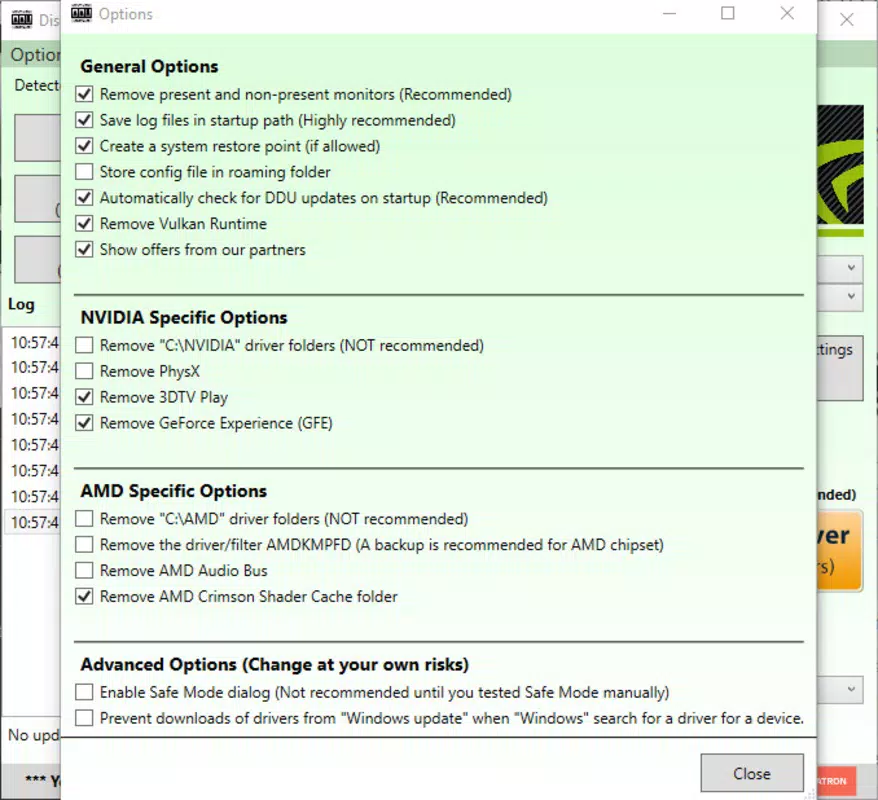
- System Restore Point Recommendation – The tool advises users to create a restore point before proceeding, adding a layer of safety to prevent irreversible system changes.
- Official Support and Distribution – Hosted and maintained by Guru3D.com, the tool benefits from community-driven development and ongoing updates, ensuring compatibility with current and legacy Windows versions.
Interface, UX & Performance
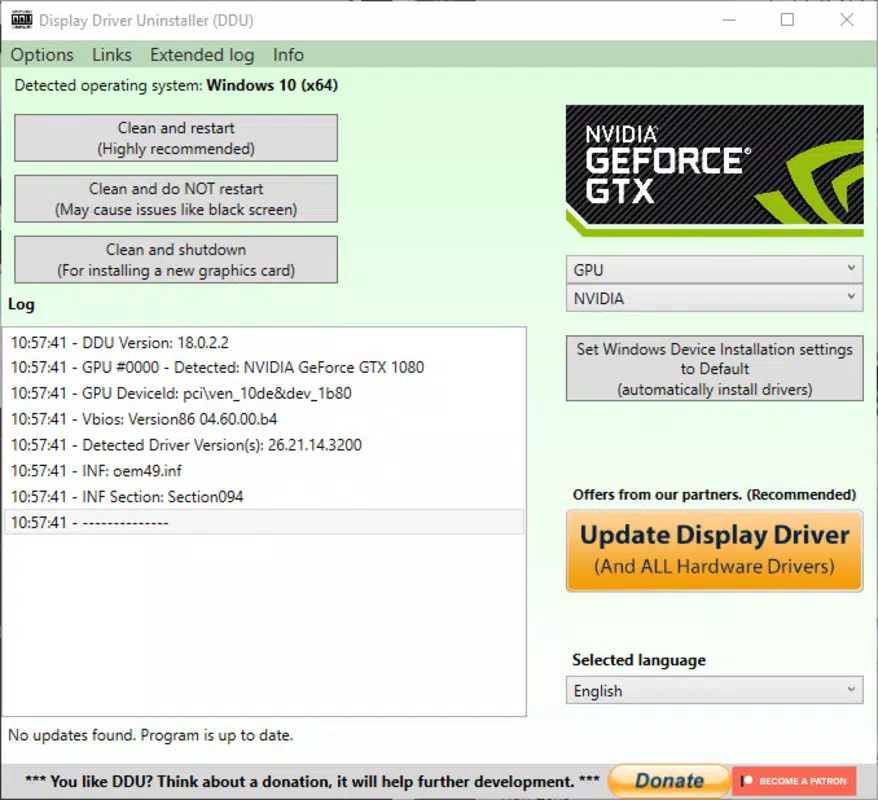
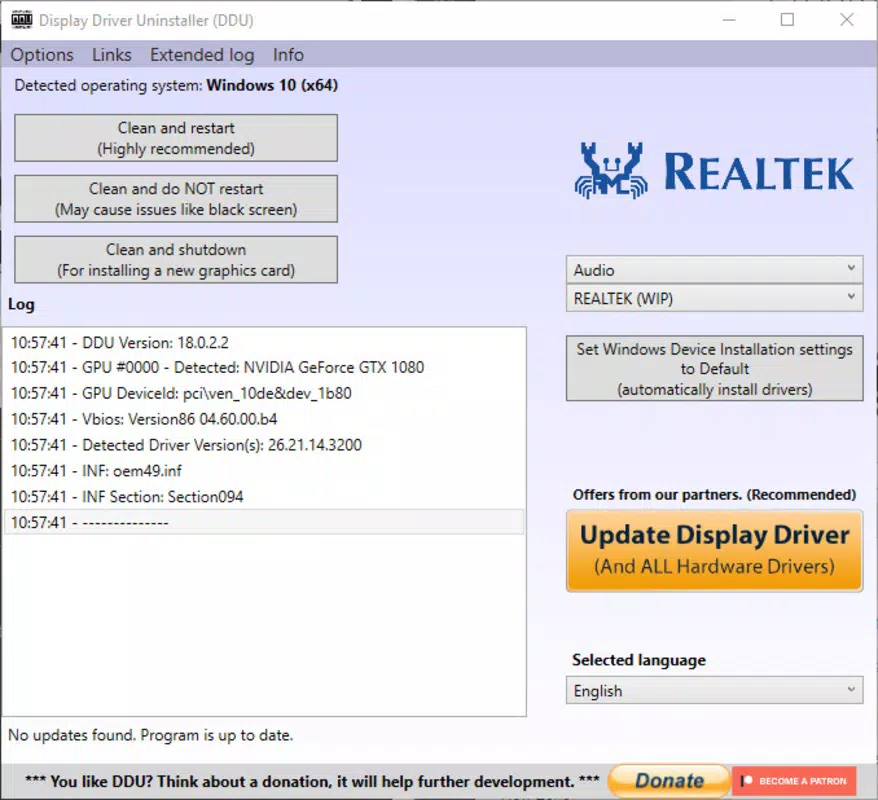
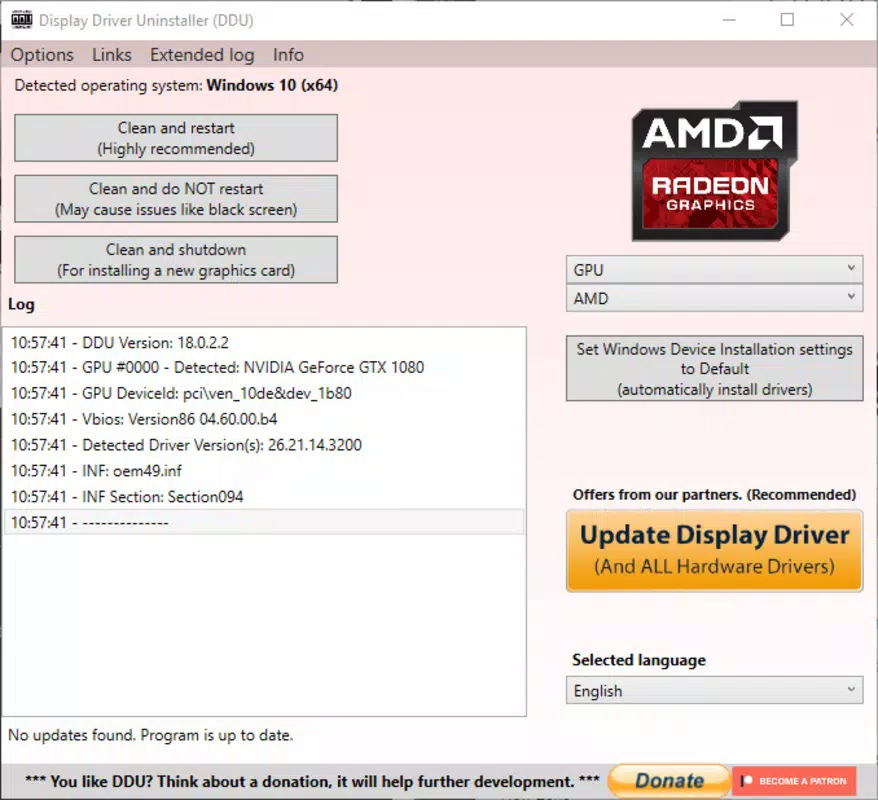
Display Driver Uninstaller features a minimal, no-frills interface focused on functionality rather than visual flair. The layout is straightforward, with clearly labeled buttons and options, allowing users to select their GPU vendor (AMD or NVIDIA) and initiate the removal process with minimal steps. Navigation is linear and intuitive, ideal for users familiar with advanced system tools. The application does not require installation, operating as a portable executable that can be run directly from a USB drive or local folder. This design enhances accessibility and reduces system footprint. Although the developer did not list formal performance metrics, the tool operates efficiently, completing driver removal tasks in a matter of seconds without significant system resource consumption. Responsiveness is consistent across various device categories, including older systems and modern high-end desktops. Stability is a key strength, with no reported crashes or hangs during standard operations. The lack of background processes or telemetry ensures a secure, lightweight experience. While the interface may appear dated to casual users, its simplicity and reliability make it highly effective for its intended audience. The absence of unnecessary features or pop-ups contributes to a focused, distraction-free workflow.Platform Compatibility & Technical Requirements
Display Driver Uninstaller is designed exclusively for the Windows platform. It supports all major versions of Windows, including Windows 10 and Windows 11, though specific compatibility details were not listed. The application is a portable tool with a file size of 13.5 MB, making it lightweight and easy to deploy. It does not require installation, allowing users to run it directly from any accessible drive or folder. The developer did not specify minimum OS requirements or hardware dependencies, but the tool is known to function reliably across a wide range of systems. No additional software or drivers are needed to operate DDU. Its compatibility with both AMD and NVIDIA GPUs ensures broad utility across different hardware configurations. The absence of complex dependencies enhances its portability and reduces the risk of conflicts during execution. Users can expect consistent behavior regardless of system configuration, provided the OS is supported.Pros and Cons
- Completely removes all traces of graphics drivers, including registry entries and driver store files
- Portable, no installation required, easy to run from USB or local drive
- Backed by Guru3D.com, a trusted source in the PC hardware community
- Recommended system restore point creation adds a safety layer
- Lightweight and fast, with minimal impact on system resources
- Interface is minimal and may appear outdated to casual users
- No built-in update checker or auto-update functionality
- Requires user to manually manage system restore points
- Not available on mobile platforms or non-Windows operating systems
- Advanced functionality may be overwhelming for novice users


